Someone floats by.
Little ghosts roam active websites. There is no special site to hunt down. Just browse as usual.
 tab hauntsFIELD NOTES / 001
A LITTLE COLLECTION. A LOT OF PERSONALITY.
A Chrome extension that lets you discover and collect odd little ghosts while you browse. Catch one. Get attached. Make room for another.
12 original ghosts · No duplicates · No accounts

 ODD LITTLE
12 weirdos to meet
3 sets to complete
6 spots on your display
Living rent-free.
In your browser.
A VERY SMALL HAUNTING
Little ghosts roam active websites. There is no special site to hunt down. Just browse as usual.
Click a ghost to wrap it in a glowing ring and catch it in a specimen jar. Up to three new finds a day.
Complete sets, unlock display backdrops, and save a share card with six of your favorite weirdos.
MEET A FEW OF THE RESIDENTS
Twelve original characters across The Procrastination Club, Technical Difficulties, and Questionable Decisions. Which one feels a little too familiar?
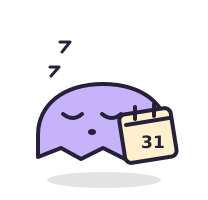 COMMON
Starts tomorrow. Has been saying that since 2018.
COMMONAlmost there. Has never actually arrived.
 COMMON
Owns nothing. Plans to buy everything.
UNUSUALEvery tab is important. Cannot explain why.
 RARE
RAREAccepted all cookies. Thought there would be snacks.
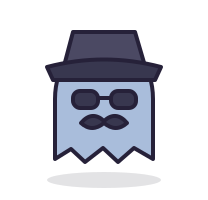 RARE
RAREDefinitely not the same ghost wearing a hat.
Every character can appear on any supported website. Rarity changes the odds; it never requires a purchase.
YOUR PERSONAL CABINET OF CURIOSITIES
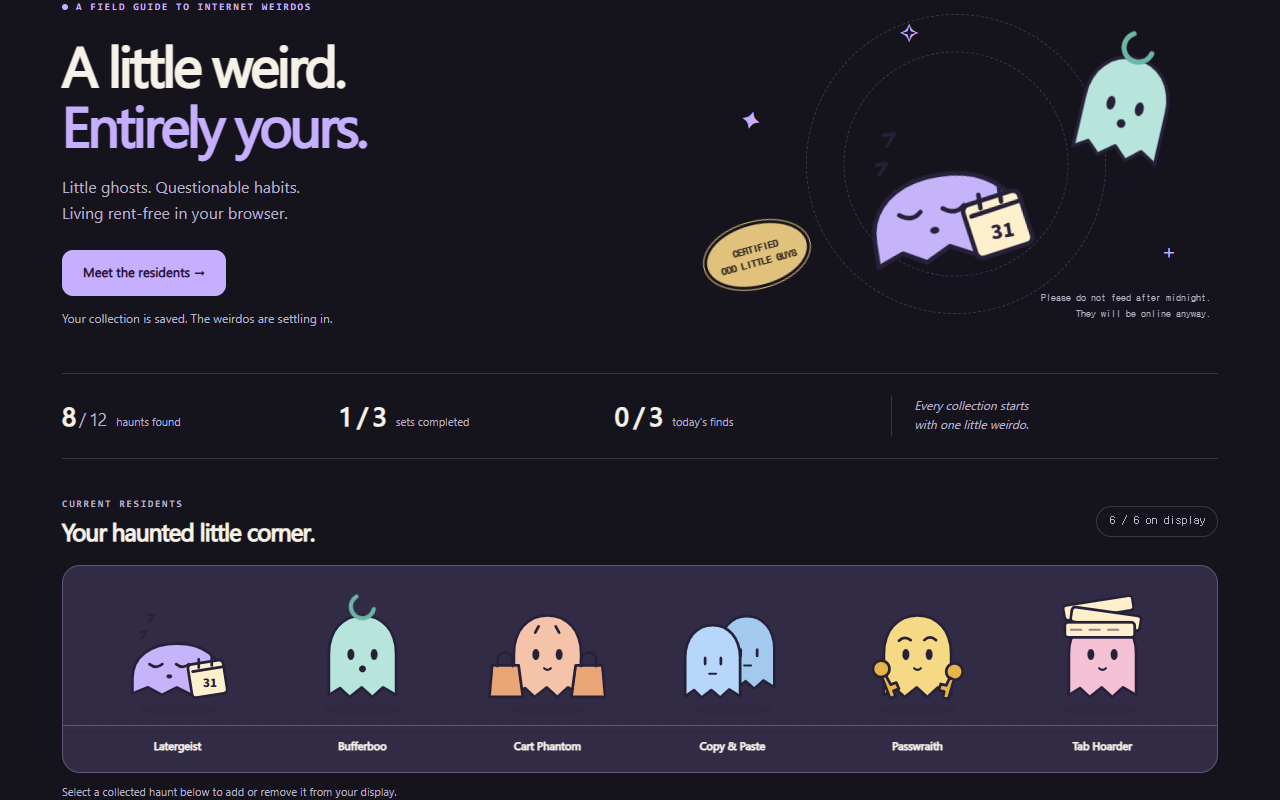
Pick six favorites for your display. Complete a four-ghost set to unlock its backdrop. Then save a PNG share card whenever your little corner feels just right.
Actual extension interface. The collection shown is a demonstration.
SMALL GHOSTS. SENSIBLE QUESTIONS.
Tab Haunts is a free desktop Chrome extension for collecting original ghost characters. Small ghosts float around ordinary websites; click one to catch it, add it to your collection, and work toward three themed sets. This release contains twelve characters.
The version 0.2.0 beta is free. It has no paid items, ads, subscriptions, or purchases. Encounters are random, but a collected ghost cannot appear again.
Open the extension from Chrome’s toolbar and choose “Meet your first haunt.” Your first ghost is Latergeist. Refresh websites that were already open before you installed the extension to enable roaming encounters.
Encounters check about every twenty seconds on an active, visible HTTP or HTTPS page. There is a ninety-second cooldown between offers and a limit of three successful finds per local calendar day, including your first ghost. Unclaimed offers expire after five minutes. Chrome internal pages, the Web Store, background tabs, and fullscreen pages do not show roaming ghosts. Check that encounters are not paused and that Chrome allows the extension on the current site.
The extension does not read page text or log browsing URLs or history. It runs on ordinary websites to draw ghosts and check whether the page is active. Collection progress stays in this Chrome profile; there are no accounts, analytics, or external data requests from the extension. A pending encounter can temporarily store the numeric tab ID locally. See the privacy notice for details.
Yes. Pause encounters in the toolbar popup or collection. Hovering or focusing a ghost stops it moving; Enter or Space catches it. Escape dismisses it when its controls have focus. You can also claim a waiting ghost from the toolbar popup. Reduced-motion settings give you a stationary ghost and a short reveal.
No. Progress is stored locally and does not sync between devices. Uninstalling deletes it. To update a local installation, replace files in the same extension folder and reload it in Chrome; keep that folder and extension entry to preserve your collection.
THE COLLECTOR’S READING CORNER
Choose a little personality for your browser without overlooking permissions, motion, and everyday use.
Read the guide →GUIDE / 02Always-on companions, surprise encounters, and the satisfaction of filling a collection.
Read the guide →FREE LOCAL BETA · CHROME 120+ ON DESKTOP
Download version 0.2.0 and load it locally in desktop Chrome. This beta is not yet listed in the Chrome Web Store.
Download the free beta · ZIPchrome://extensions in Chrome and turn on Developer mode.manifest.json.Chrome needs website access to draw encounters. It may show a broad website-access warning during installation. Review the privacy notice before installing. Local installations receive updates manually.